import pyvista as pv

# Create a simple mesh (sphere)
sphere = pv.Sphere()

# Plot the mesh
sphere.plot()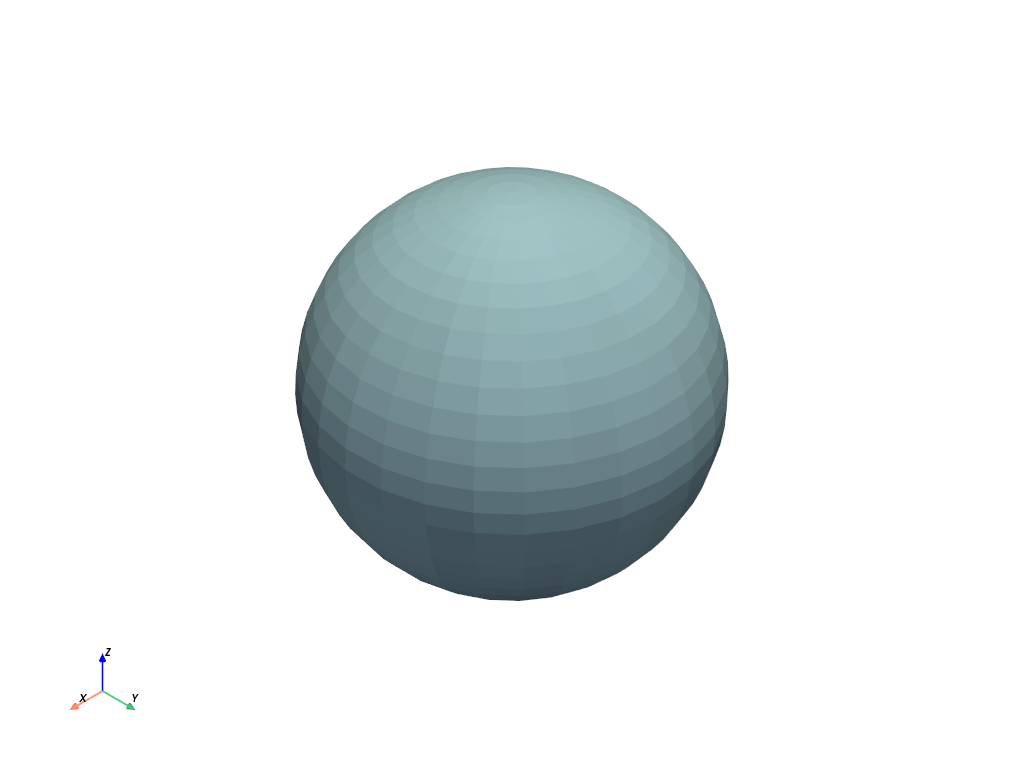
After the installation, we can start using PyVista for 3D visualization. Here area some simple examples to plot and analyse 3D mesh:
We will start with a simple 3 dimensional sphere.
import pyvista as pv
# Create a simple mesh (sphere)
sphere = pv.Sphere()
# Plot the mesh
sphere.plot()
Use a topographic surface to create a 3D terrain-following mesh. In this example, we demonstrate a simple way to make a 3D grid/mesh that follows a given topographic surface.
from pyvista import examplesmesh = examples.load_random_hills() # automatically download
contours = mesh.contour()
contours| Header | Data Arrays | ||||||||||||||||||||||||||||||||||
|
|
mesh.plot()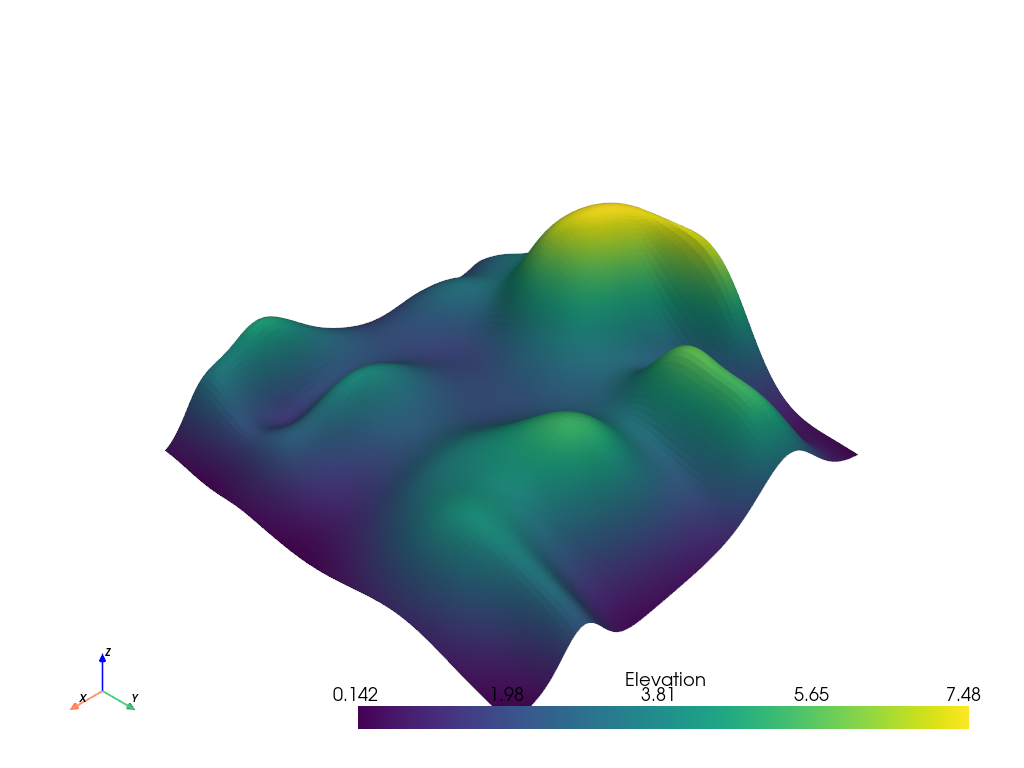
If you have a structured dataset like a pyvista.ImageData or pyvista.RectilinearGrid, you can clip it using the pyvista.Plotter.add_volume_clip_plane() widget to better see the internal structure of the dataset.
import numpy as np

import pyvista as pv

grid = pv.ImageData(dimensions=(200, 200, 200))
grid['scalars'] = np.linalg.norm(grid.center - grid.points, axis=1)
grid| Header | Data Arrays | ||||||||||||||||||||||||||||||
|
|
opacity = np.zeros(100)
opacity[::10] = np.geomspace(0.01, 0.75, 10)
pl = pv.Plotter()
pl.add_volume_clip_plane(grid, normal='-x', opacity=opacity[::-1], cmap='magma')
pl.show()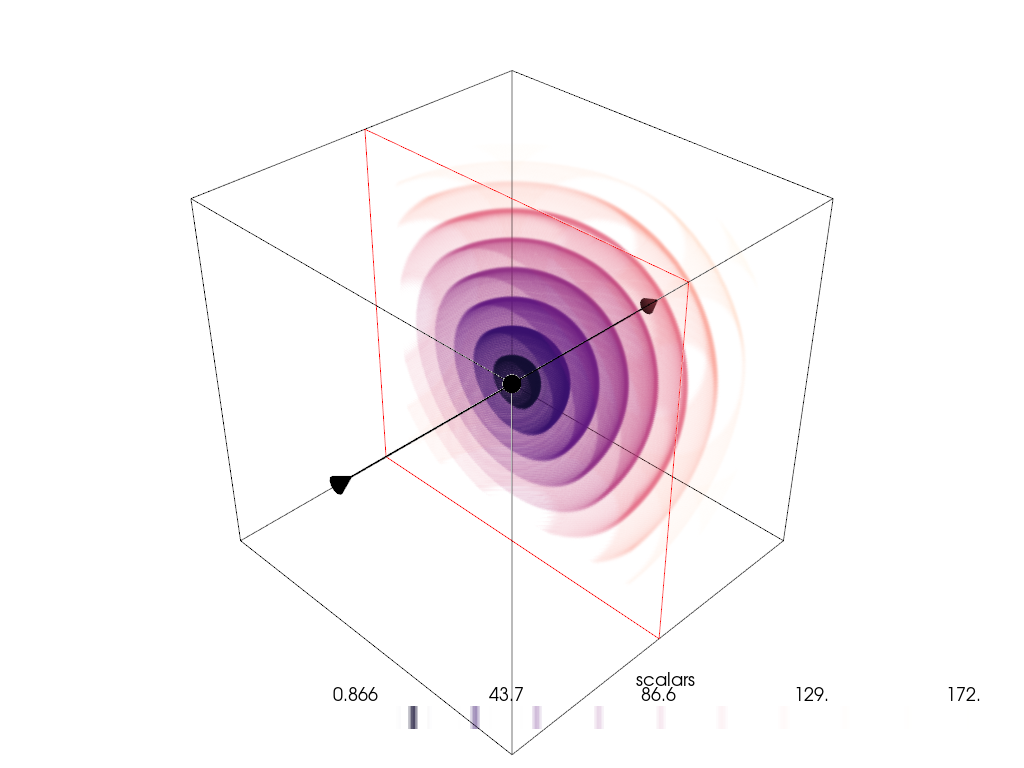
import numpy as np
import pyvista

rng = np.random.default_rng(seed=0)
point_cloud = rng.random((100, 3))
pdata = pyvista.PolyData(point_cloud)
pdata['orig_sphere'] = np.arange(100)

# create many spheres from the point cloud
sphere = pyvista.Sphere(radius=0.02, phi_resolution=10, theta_resolution=10)
pc = pdata.glyph(scale=False, geom=sphere, orient=False)
pc.plot(cmap='Reds')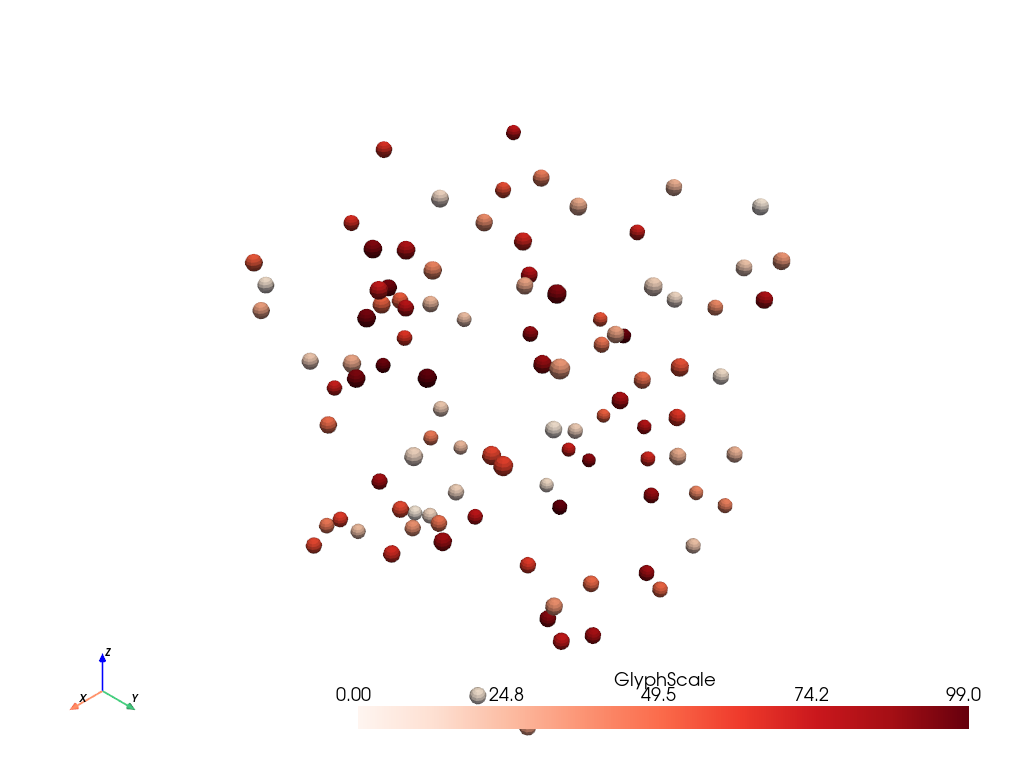
Performing boolean/topological operations (intersect, union, difference) methods are implemented for pyvista.PolyData mesh types only and are accessible directly from any pyvista.PolyData mesh.
import pyvista
import numpy as np

def make_cube():
    x = np.linspace(-0.5, 0.5, 25)
    grid = pyvista.StructuredGrid(*np.meshgrid(x, x, x))
    surf = grid.extract_surface().triangulate()
    surf.flip_normals()
    return surf

# Create example PolyData meshes for boolean operations
sphere = pyvista.Sphere(radius=0.65, center=(0, 0, 0))
cube = make_cube()

# Perform a boolean difference
boolean = cube.boolean_difference(sphere)
boolean.plot(color='darkgrey', smooth_shading=True, split_sharp_edges=True)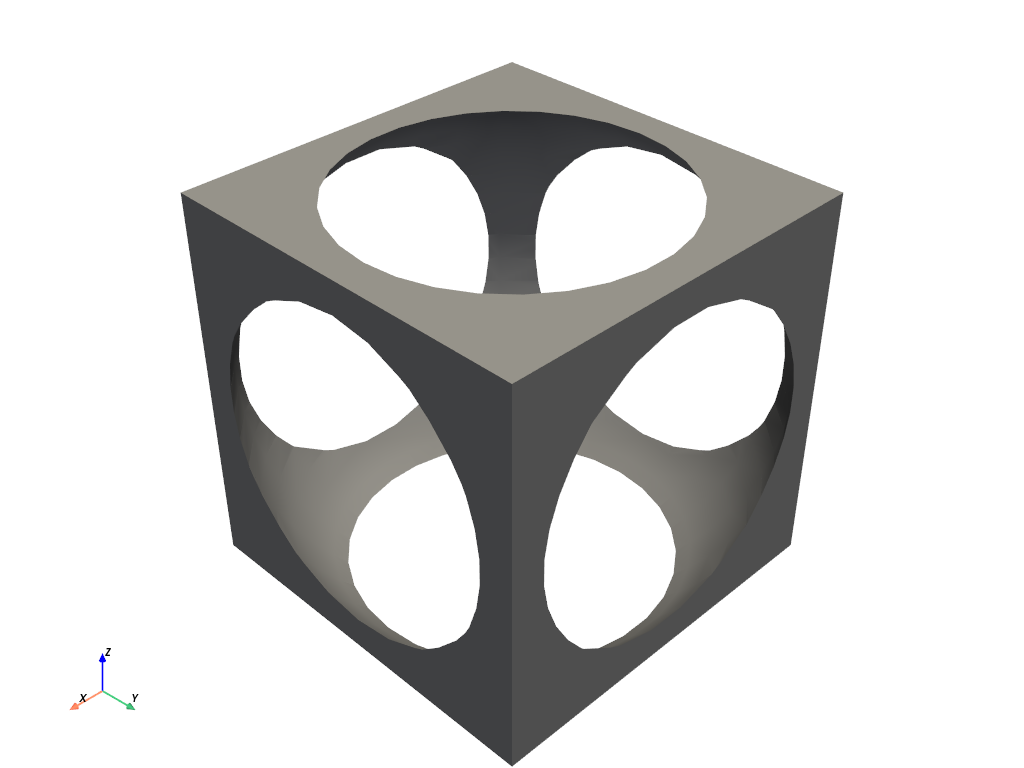
Creating a spline/polyline from a numpy array of XYZ vertices using pyvista.Spline().
import numpy as np
import pyvista

# Make the xyz points
theta = np.linspace(-10 * np.pi, 10 * np.pi, 100)
z = np.linspace(-2, 2, 100)
r = z**2 + 1
x = r * np.sin(theta)
y = r * np.cos(theta)
points = np.column_stack((x, y, z))

spline = pyvista.Spline(points, 500).tube(radius=0.1)
spline.plot(scalars='arc_length', show_scalar_bar=False)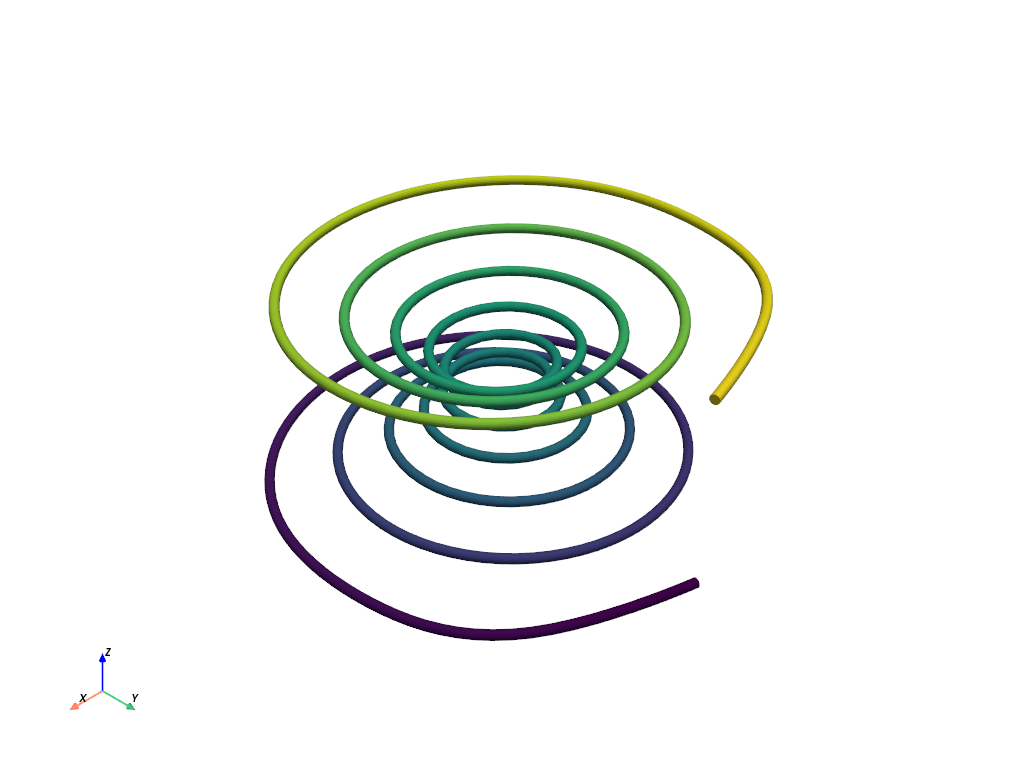
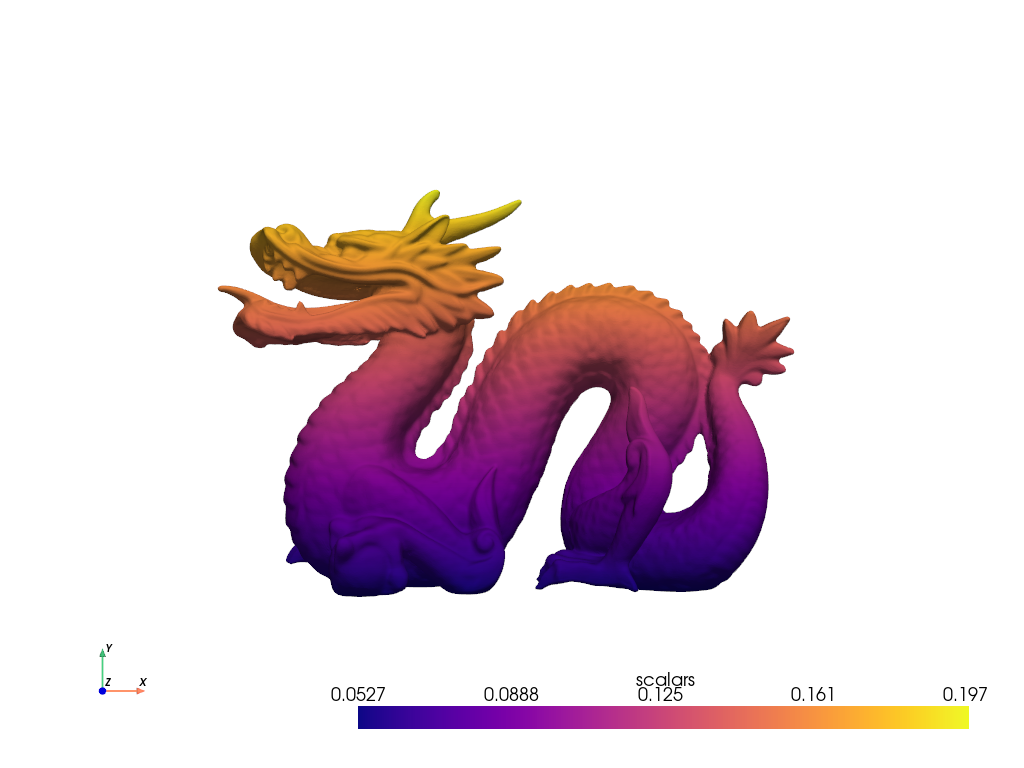
Here, we download the Stanford dragon mesh, color it according to height, and plot it using a web-viewer.
from pyvista import examples
mesh = examples.download_dragon()
mesh['scalars'] = mesh.points[:, 1]
mesh.plot(cpos='xy', cmap='plasma')